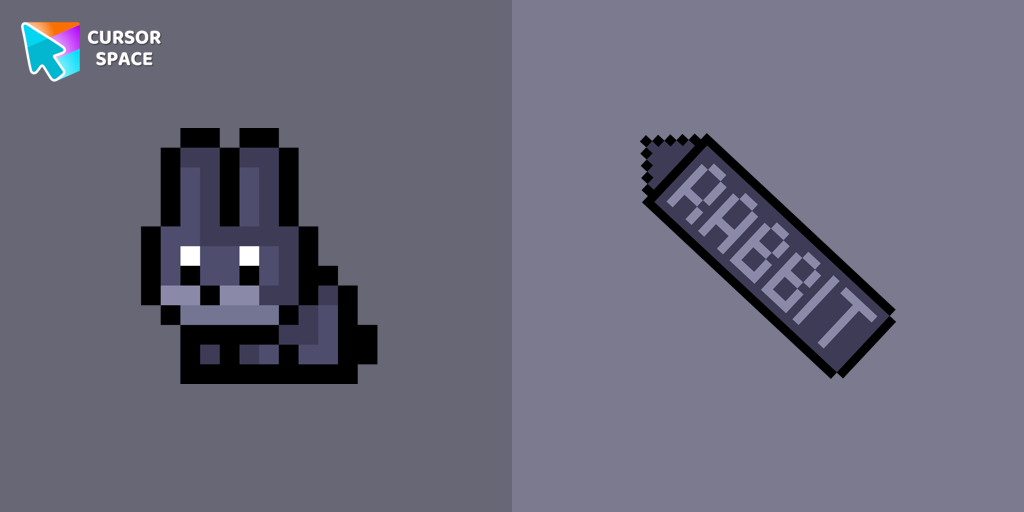
Black Rabbit Pixel Cursor
Try this cursor
Preview Black Rabbit Pixel Cursor in this sandbox. Hover and click - no extension needed for a test on this page. Download PNG, JPG, or CUR
Move here to see the default cursor
 DefaultMove around the board
 PointerHover a button or link
Description
The Black Rabbit, which symbolizes the New Year, is an animal that holds significant cultural importance and charm, making it impossible to overlook. This adorable Black Rabbit cursor, designed in a pixel style, serves as an ideal desktop accessory, especially as the holiday season draws near.
What's included in the package
- Default Cursor
- Pointer (Hand)
How to install a custom cursor pack Black Rabbit Pixel Cursor
Install the Cursor Space extension for Chrome or Cursor Space for Edge in your browser.
On this page, click "Add this cursor pack to the extension".
Open the extension and go to the Packs tab.
Find the custom cursor pack "Black Rabbit Pixel cursor" and click it.
Enjoy!
Ready to install?
Get this cursor pack and thousands of others by installing our extension. It's fast and free!
Install for ChromePopular cursors today
Most installed packs in Christmas cursors - add them to Chrome or Edge in one click.
- Top 1
 Christmas Fox Pixel cursorChristmas Fox cursor in pixel style from our Merry Christmas and Happy New Year cursors collection for Chrome is perfect for you.
 - Top 2
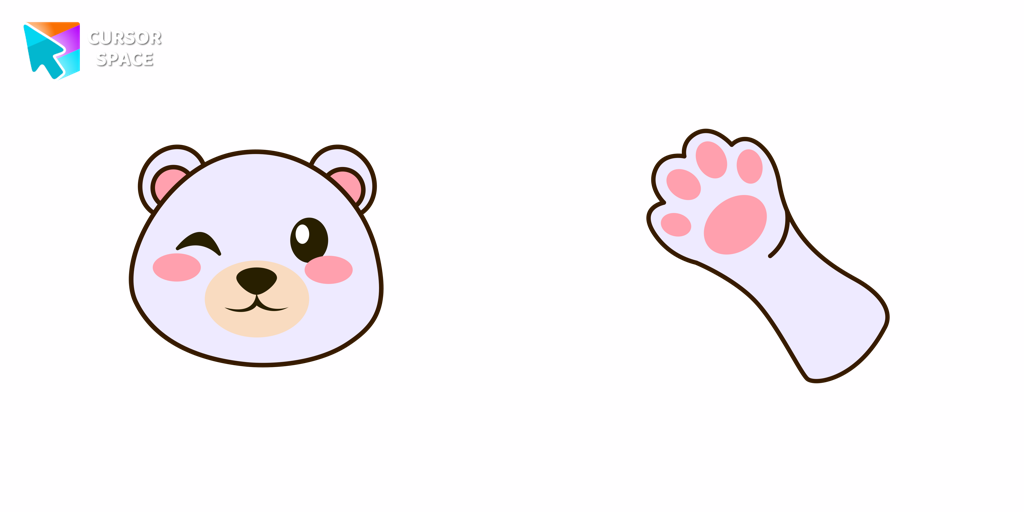 Polar Bear cursorCreate a custom cursor with a Polar Bear in Minecraft style, featuring an adorable design from the New Year collection.
 - Top 3
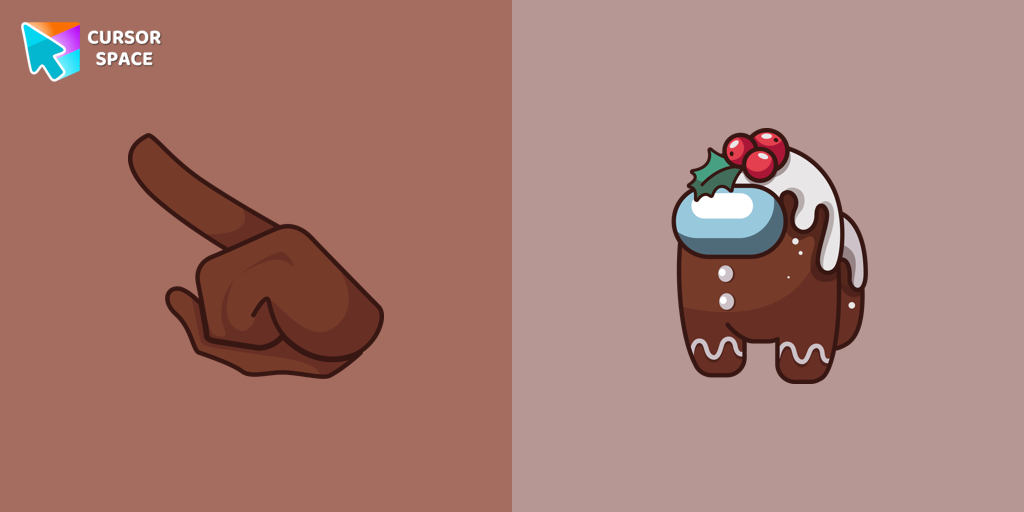 Among Us Gingerbread cursorMagic Among Us Gingerbread custom cursor for a mouse is a good fan art to decorate your browsing on the new year holidays.
 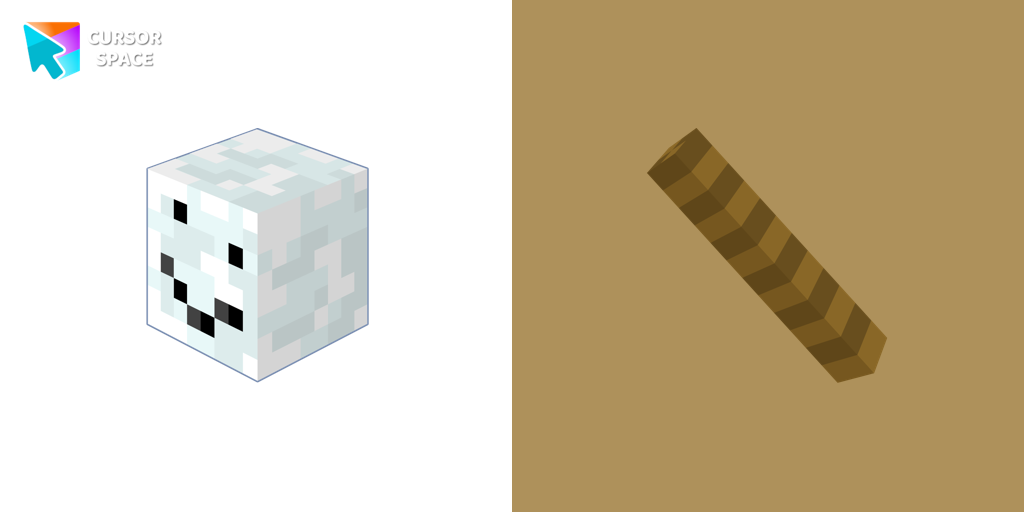 Snowman Minecraft cursorEnhance your browsing experience with the authentic Snowman custom cursor, inspired by Minecraft.
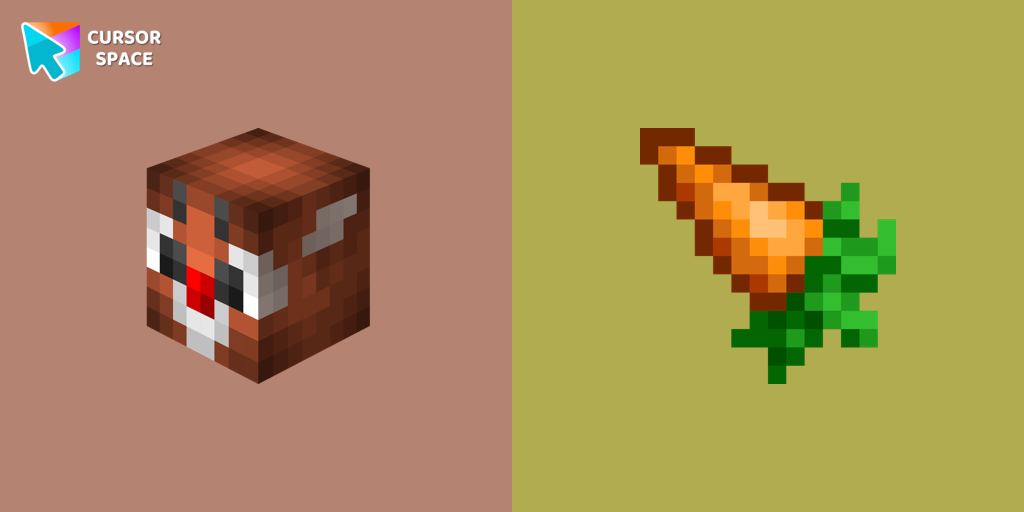 Christmas Rabbit cursorChristmas rabbit custom cursor in Minecraft style is sure to appeal not only to fans of the popular game.
 Champagne Pixel cursorEnjoy the New Year's tradition of toasting with our pixel-style Champagne custom cursor.
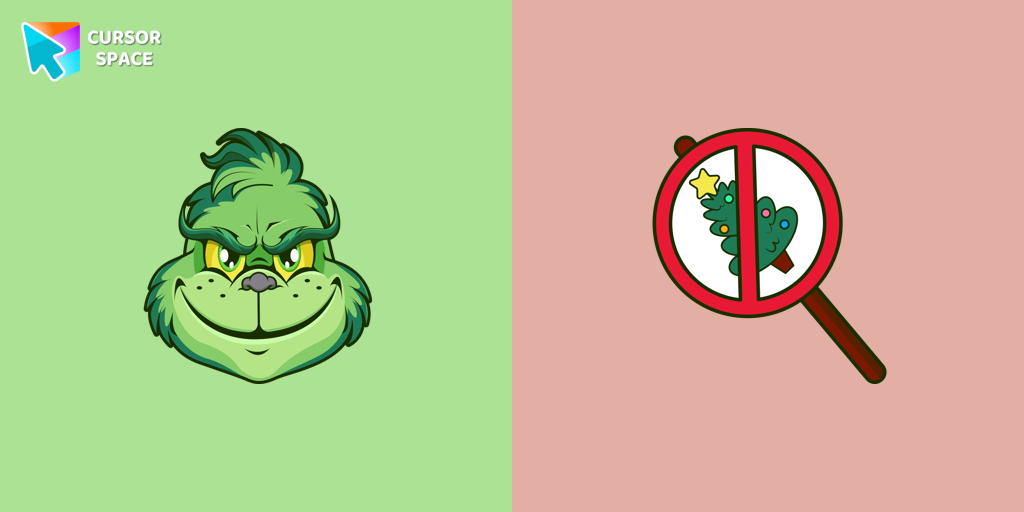 Angry Grinch cursorAngry Grinch as a custom cursor for the mouse and pointer from our Merry Christmas and Happy New Year cursor collection.
 Christmas Gingerbread cursorGet into the holiday mood with a cute and fun Christmas Gingerbread custom cursor, perfect for bringing a bit of festive joy to your digital experience.
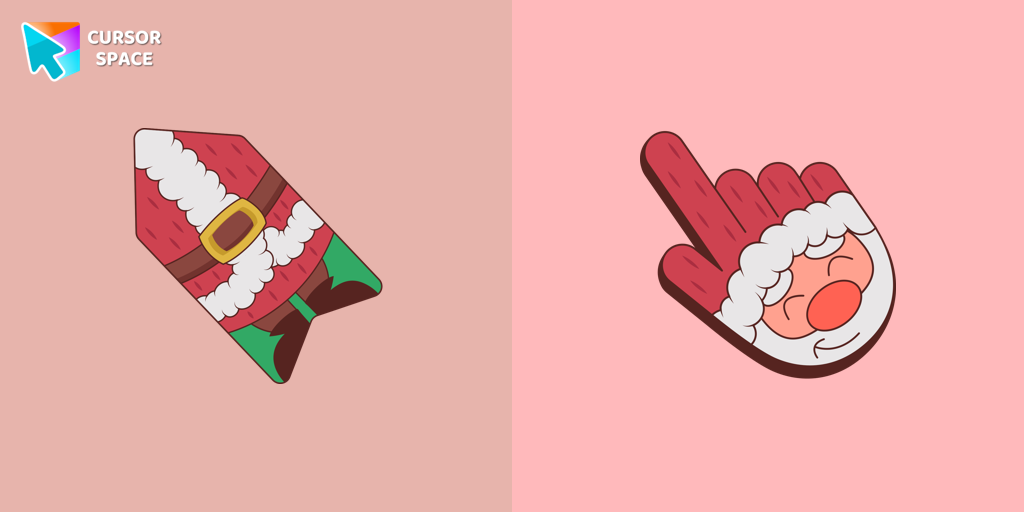 Santa cursorThis unique Santa Claus cursor is part of an exclusive collection of festive Merry Christmas and Happy New Year cursors for the Chrome browser.
 Christmas Deer cursorWe have designed the Christmas Deer cursor for the mouse and pointer in a familiar style, enhanced with a New Year's theme.
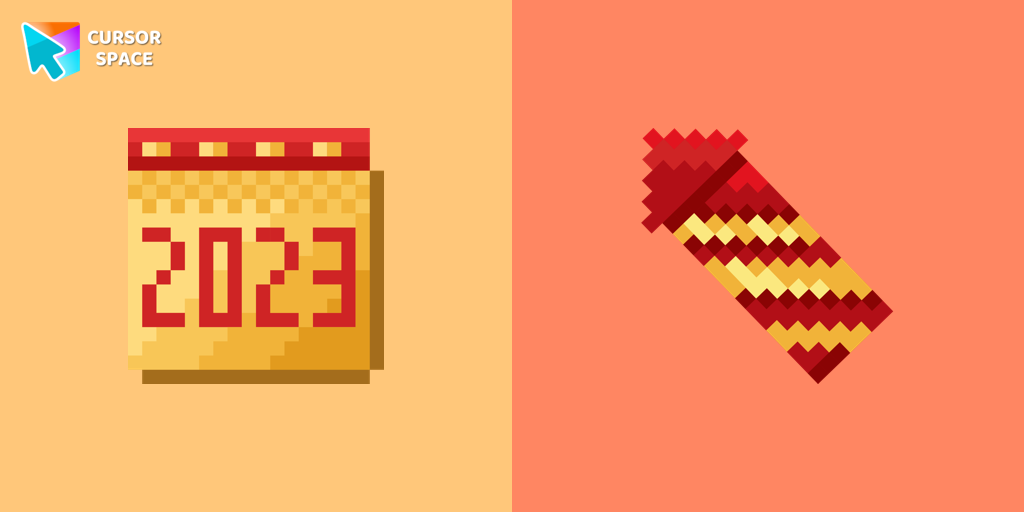 Calendar Pixel cursorA calendar-themed custom cursor in pixel style is the perfect addition to celebrate the New Year.
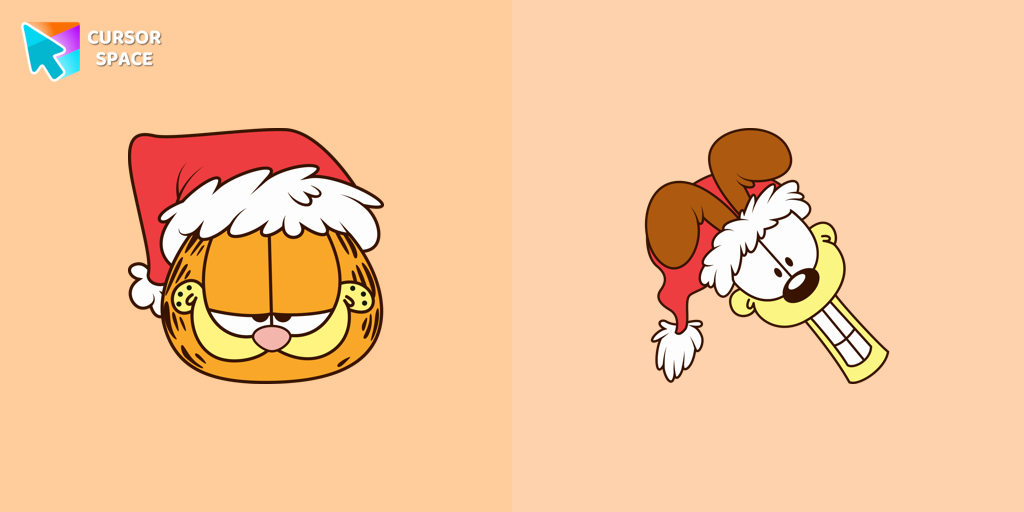 Garfield and Odie cursorGarfield and Odie custom cursor is part of a fantastic collection for Chrome, featuring Merry Christmas and Happy New Year wishes.
Collection hits
Installation leaders from "Christmas cursors": free packs, neon/anime/pixel art, quick add to Chrome and Edge.
- Top 1Christmas Fox Pixel cursorChristmas Fox cursor in pixel style from our Merry Christmas and Happy New Year cursors collection for Chrome is perfect for you.
- Top 2Polar Bear cursorCreate a custom cursor with a Polar Bear in Minecraft style, featuring an adorable design from the New Year collection.
- Top 3Among Us Gingerbread cursorMagic Among Us Gingerbread custom cursor for a mouse is a good fan art to decorate your browsing on the new year holidays.
- Snowman Minecraft cursorEnhance your browsing experience with the authentic Snowman custom cursor, inspired by Minecraft.
- Christmas Rabbit cursorChristmas rabbit custom cursor in Minecraft style is sure to appeal not only to fans of the popular game.
- Champagne Pixel cursorEnjoy the New Year's tradition of toasting with our pixel-style Champagne custom cursor.
- Angry Grinch cursorAngry Grinch as a custom cursor for the mouse and pointer from our Merry Christmas and Happy New Year cursor collection.
- Christmas Gingerbread cursorGet into the holiday mood with a cute and fun Christmas Gingerbread custom cursor, perfect for bringing a bit of festive joy to your digital experience.
- Santa cursorThis unique Santa Claus cursor is part of an exclusive collection of festive Merry Christmas and Happy New Year cursors for the Chrome browser.
- Christmas Deer cursorWe have designed the Christmas Deer cursor for the mouse and pointer in a familiar style, enhanced with a New Year's theme.
- Calendar Pixel cursorA calendar-themed custom cursor in pixel style is the perfect addition to celebrate the New Year.
- Garfield and Odie cursorGarfield and Odie custom cursor is part of a fantastic collection for Chrome, featuring Merry Christmas and Happy New Year wishes.
Install Cursor Space - A Collection of Custom Cursors for Chrome & Edge
Add packs instantly and unlock access to thousands of cursors: neon, anime, pixel-art, and more. Fast, safe, and free.
- Free cursor packs
- HD/HiDPI & animated icons
- Quick browser installation
Cursor Space is an extension for changing your mouse cursor in Chrome and Edge browsers: themed collections, HiDPI icons, neon, animated, and pixel cursors, with quick installation.